
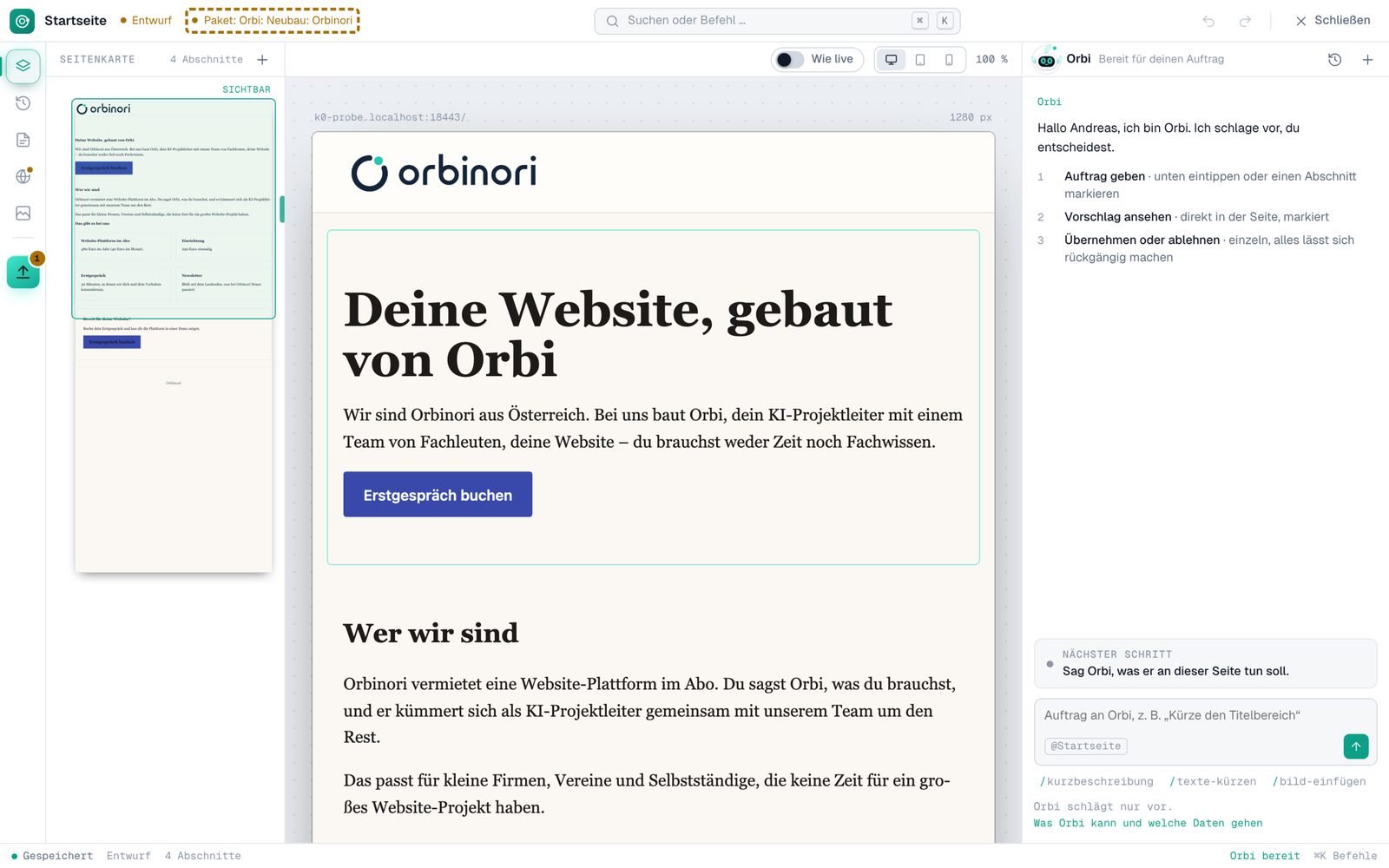
Click into the text and start typing.
Just like a word processor, only directly on your website. You can change everything yourself, even without Orbi, and nothing breaks.
- Edit directly in the preview
- Undo at any time
- Orbi helps if you’d like
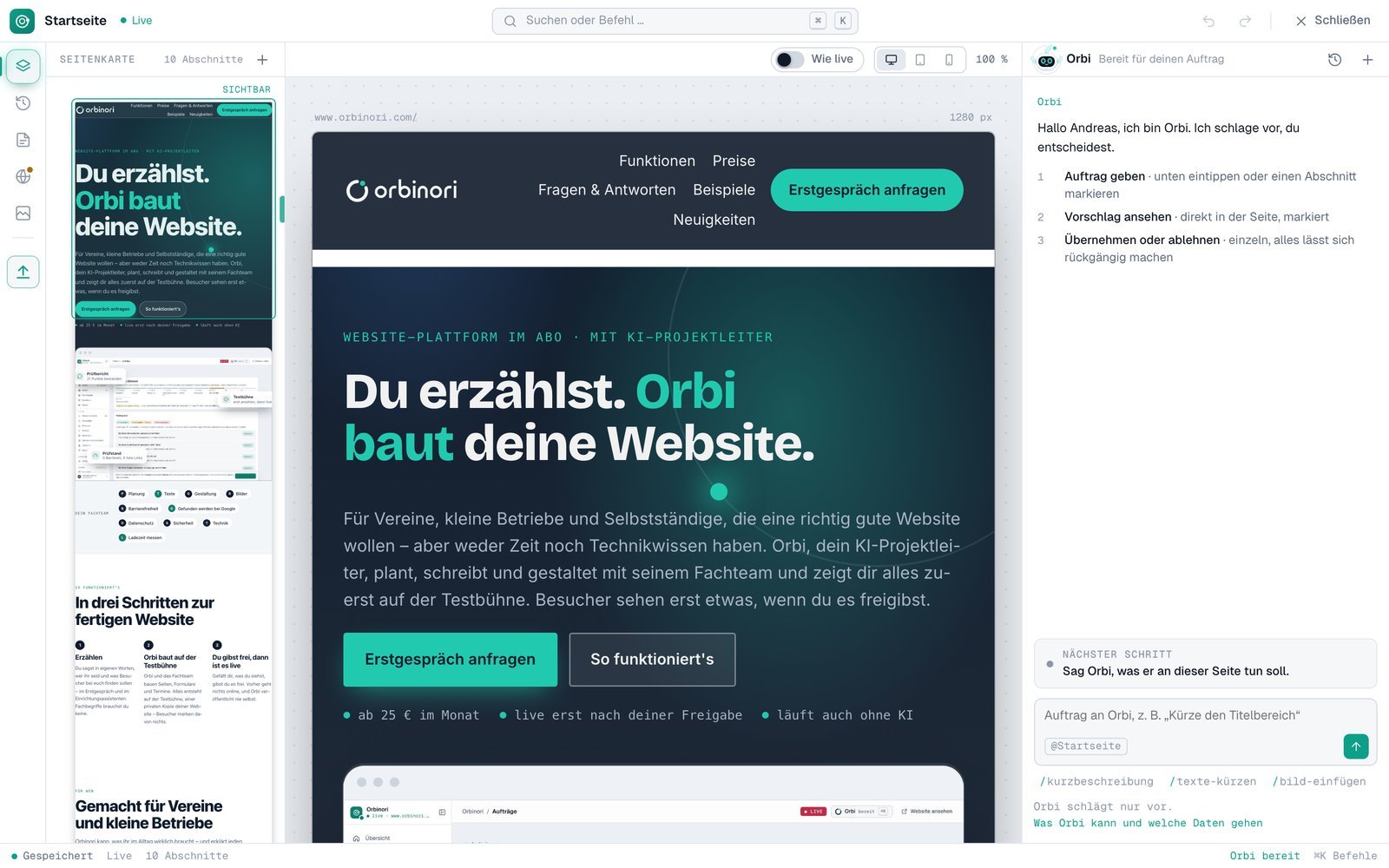
Change things right on the page
You change texts, headings and buttons directly in the preview. Switch between phone, tablet and desktop and see straight away how it looks.
You save your changes and can go back at any time. Select a field and Orbi suggests variations for exactly that field.
- Header area
- Text
- Image
- Cards
- Questions
- Figures
- Team
- Image gallery
- Downloads
- Table
- Video
- Map
- Contact
- Form
- Event list
- Newsletter sign-up
So nothing gets lost
Earlier versions
You can reset any page to an earlier version.
Deleting with a check
Before anything is deleted, the Studio tells you the consequences. Only then do you decide.
Editing at the same time
If two people edit the same page, the Studio notices.
What happened
Every step is listed, so you can follow exactly what happened.
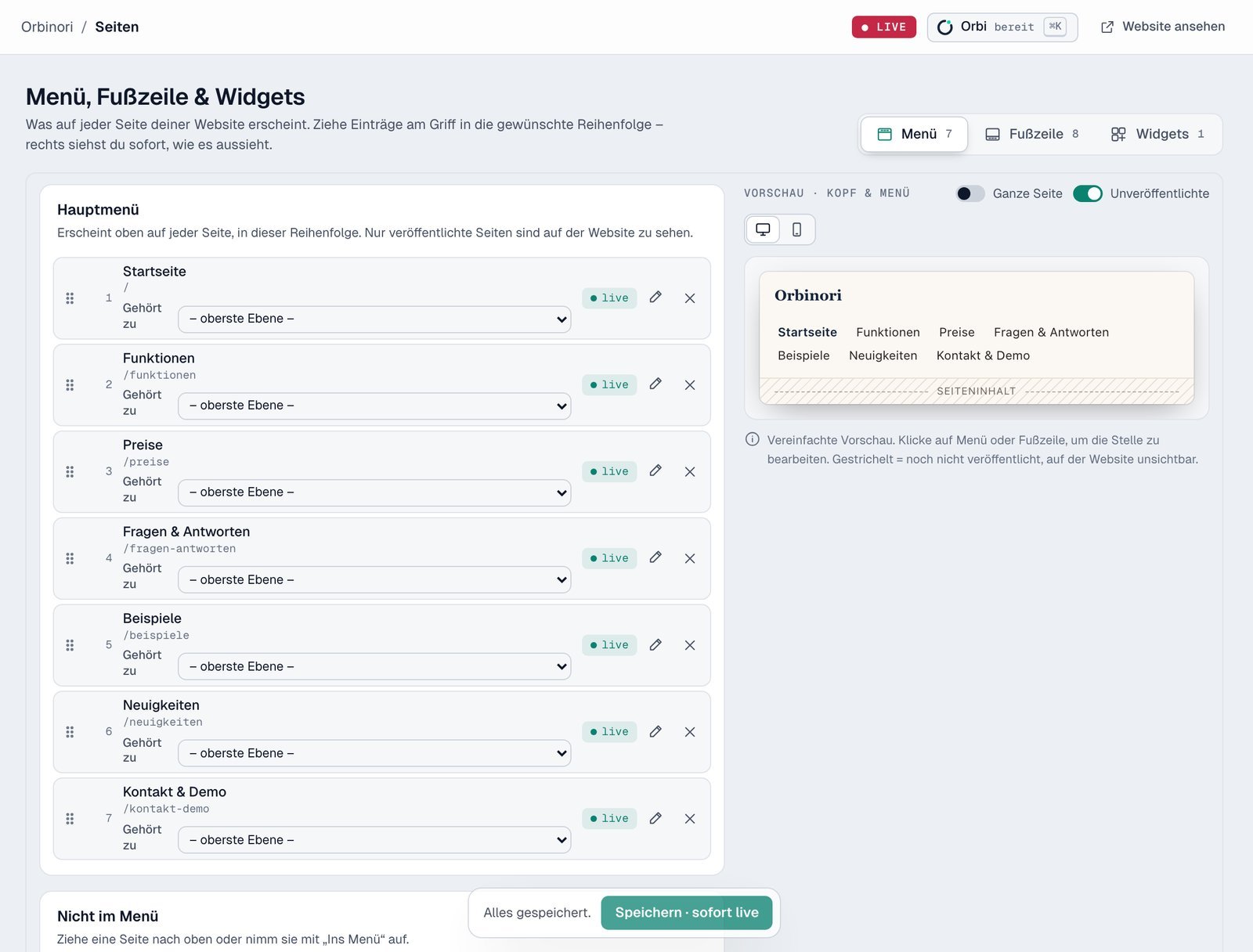
Menu, footer and widgets
You arrange the menu by dragging. Submenus have one level, and you organise the footer into columns.
Small building blocks are available for the edges of the page: contact, opening hours, social media, a short text, a notice bar with a time period, and search.
Several people, clear permissions
Everyone gets their own login. You decide whether someone, for example, only writes drafts or may also publish.
You invite new people by email. Anyone who leaves is locked out.
This is especially helpful for clubs: How a committee handover goes smoothly.
Let us show you the Studio.
In the free intro call you’ll see live how easy editing is.