
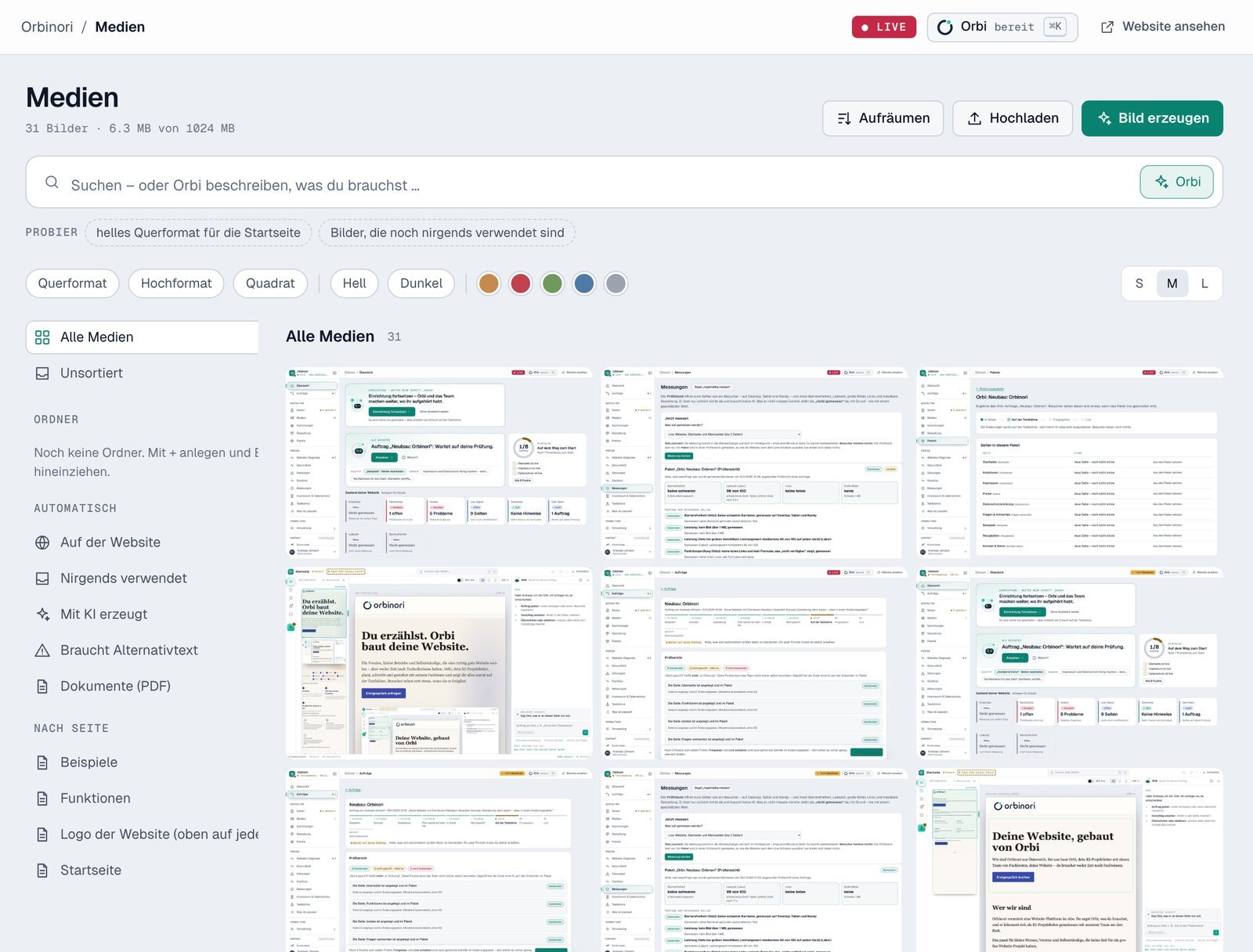
Drag photos in. Done.
The media library organises your images and documents and keeps them small enough for fast pages. So your website stays quick, even with lots of photos.
- Folders, views and search
- Images are stored at a small size
- Storage always in view
Everything in its place
Folders and search
Folders, automatic views and a search that works without AI.
Upload by dragging
Simply drag files in. PDFs for downloads work too, for example your constitution or forms.
Clean image files
Every image is saved afresh when it’s uploaded, without hidden extra data such as where it was taken.
Storage in view
You can always see how much storage is still free.
Descriptions for everyone
If you like, Orbi suggests a description for each photo – the alternative text (alt text). Screen readers read it aloud to people who can’t see, and Google uses it too.
An image can’t be published without a description, unless you mark it as purely decorative.
AI images, clearly labelled
Orbi can have images generated with AI. They’re marked as ‘AI-generated’ and are never used automatically.
For real subjects like your clubhouse or your people, you use real photos. Orbi doesn’t generate those with AI.
Questions about storage and images
How much storage do I have?
Clubs have 5 GB, businesses 10 GB. An extra 10 GB costs €24 per year.
Which formats work?
JPEG, PNG, WebP and PDF.
What about image rights?
When uploading, you state where an image comes from. Whether you’re allowed to use it is for you to check. Orbinori doesn’t check image rights.
Bring your photos to the intro call.
Together we’ll look at how your images get onto your website.