
You say what you need. A whole team gets it done.
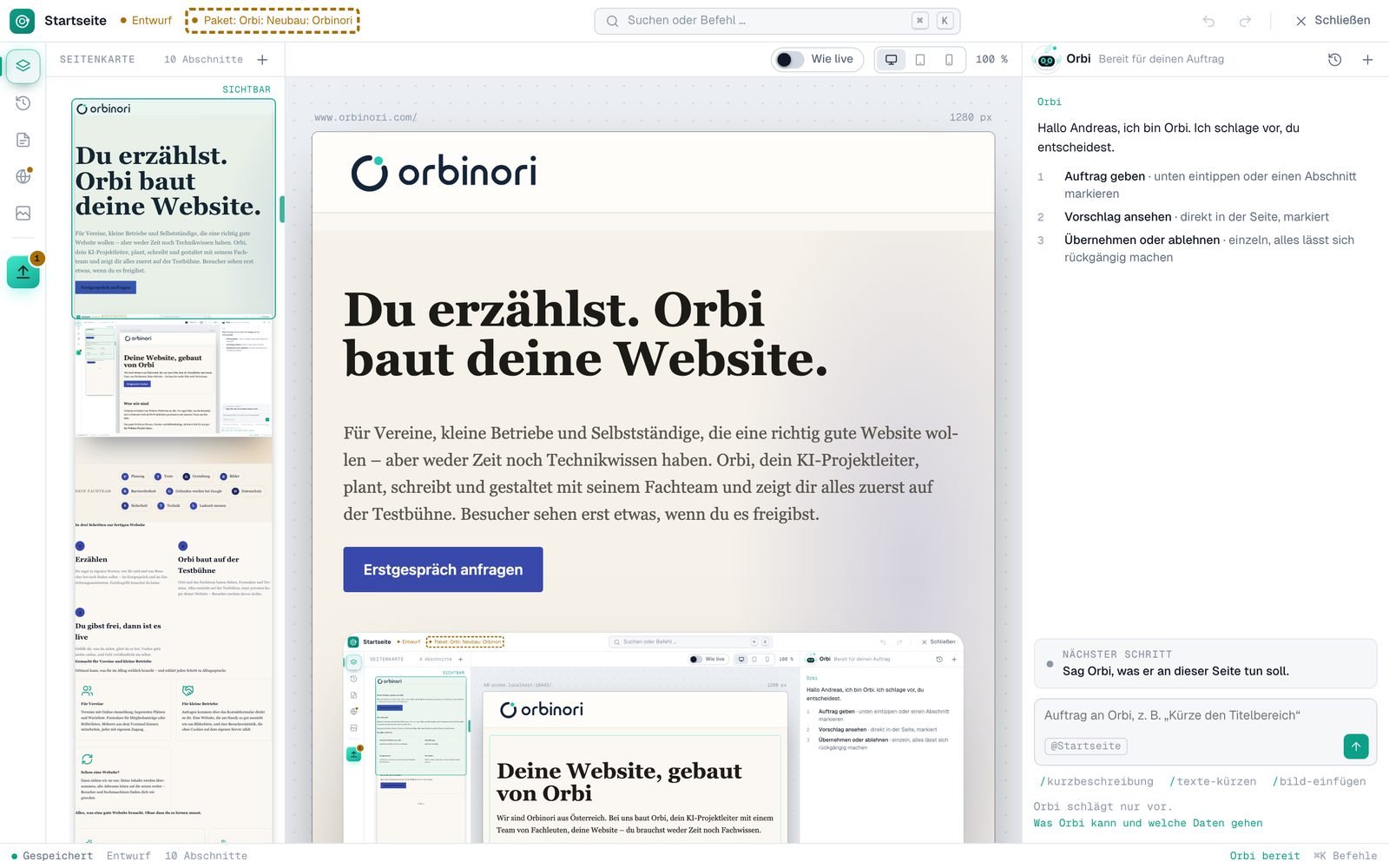
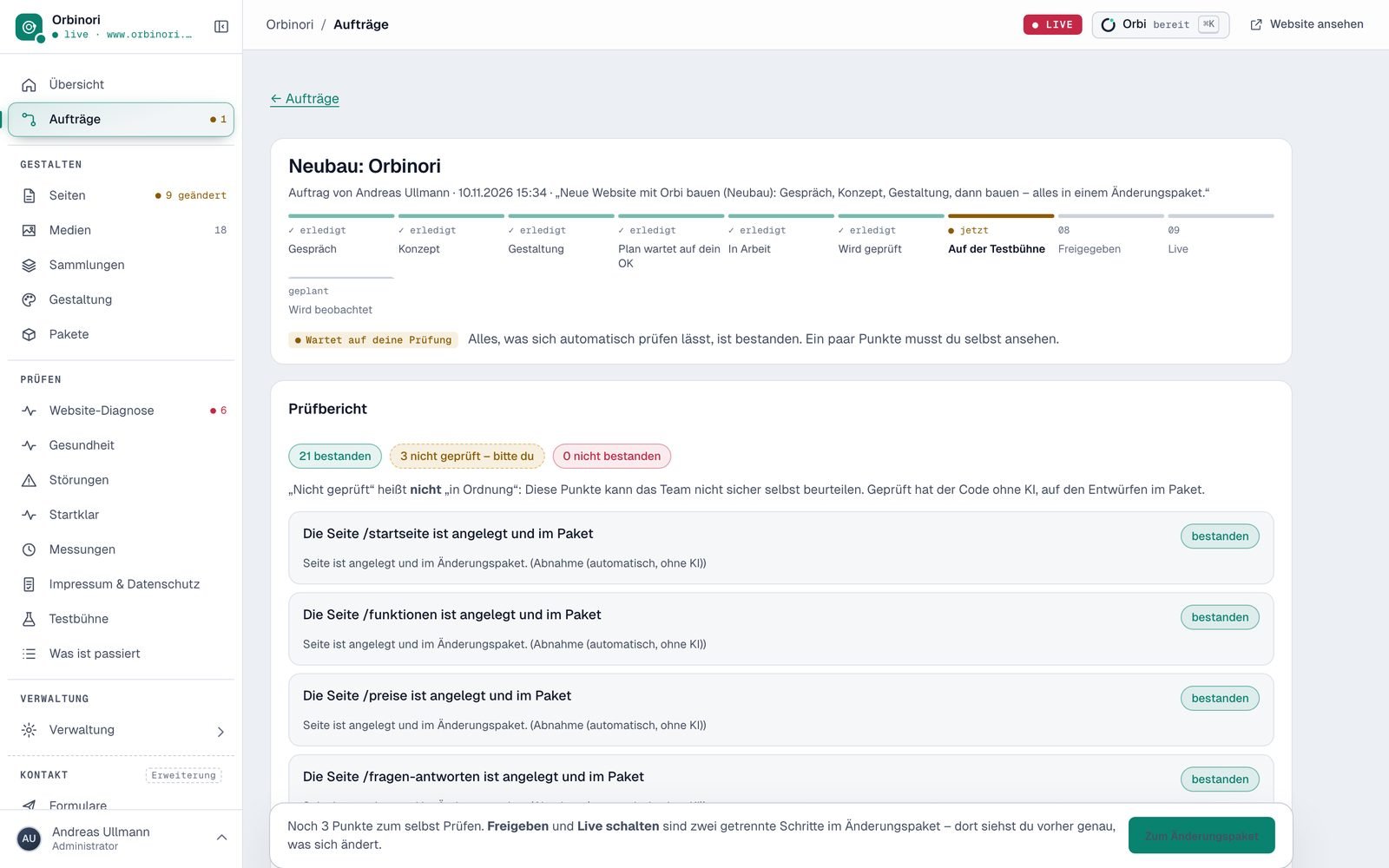
Orbi is your AI project lead. He understands your request, hands the work to his specialist team, has everything checked and shows you the result on the test stage first – a private copy of your site where you check changes before visitors see them. Only what you approve goes live.
- Free intro call, 30 minutes online
- Live only after your approval
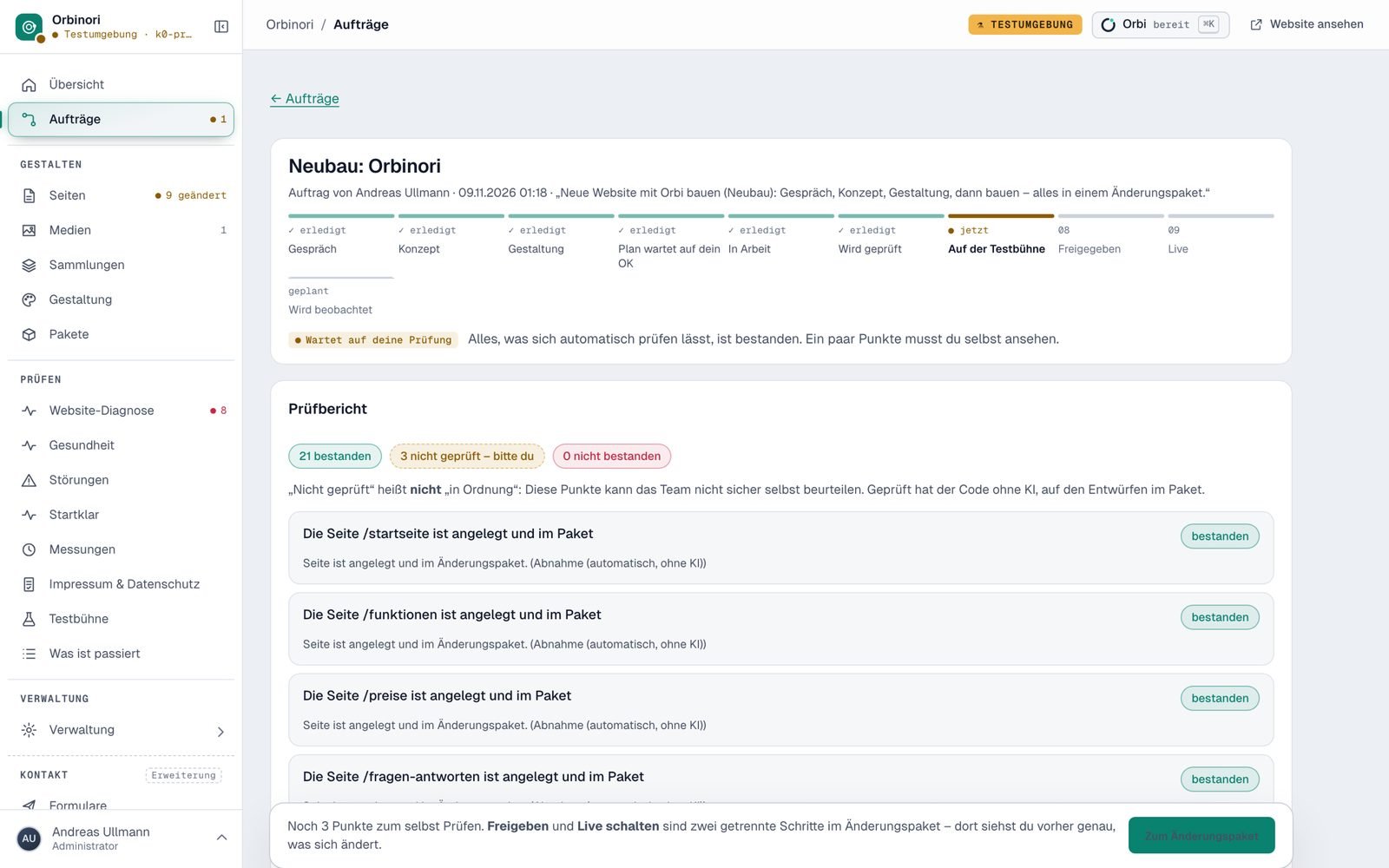
- Test stagesee every change first
- Test benchmeasures load time, barriers and links
How a request works – from the first sentence to live
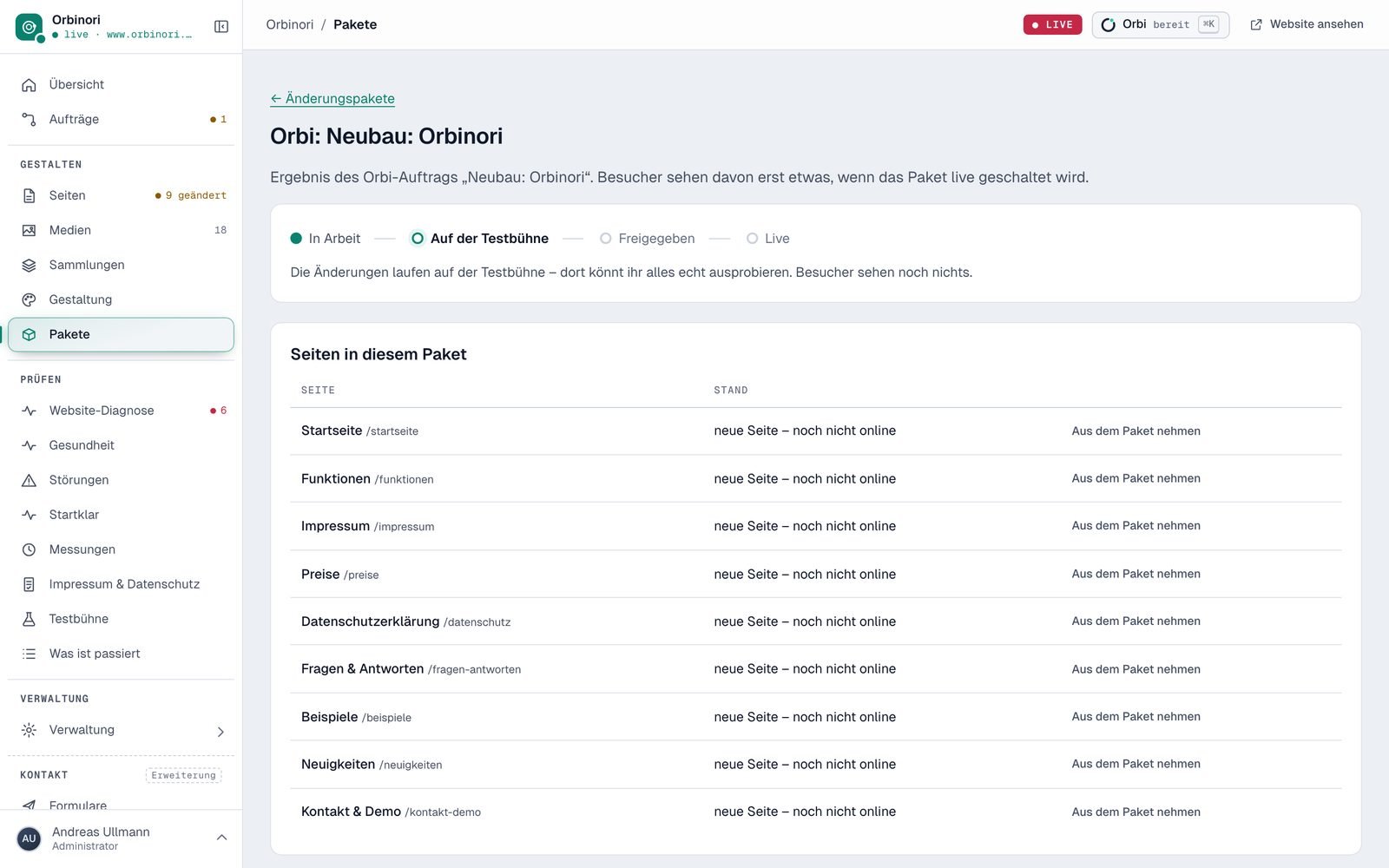
The stages are always: In progress → On the test stage → Approved → Live.
Say it
Just start typing or talking, for example: ‘We need a page for our summer course, with registration.’
Follow-up questions
Orbi only asks about what’s missing, one question at a time, often with answers you can simply tap. Anything only you can know, he marks as an open item.
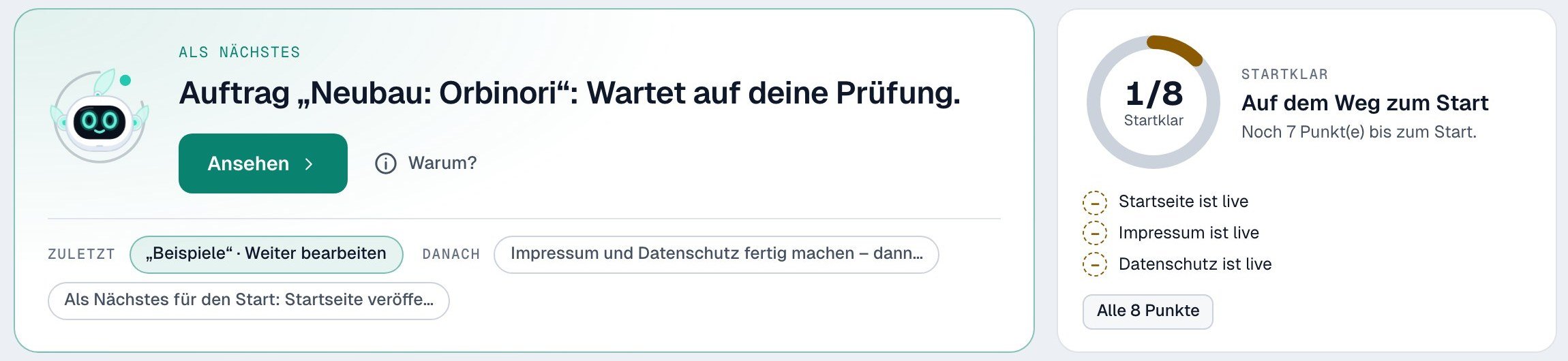
Plan
For bigger requests, Orbi shows you beforehand what will be done and what will change for visitors. Work only starts once you say OK.
Build
Everything is created as a draft; visitors notice nothing.
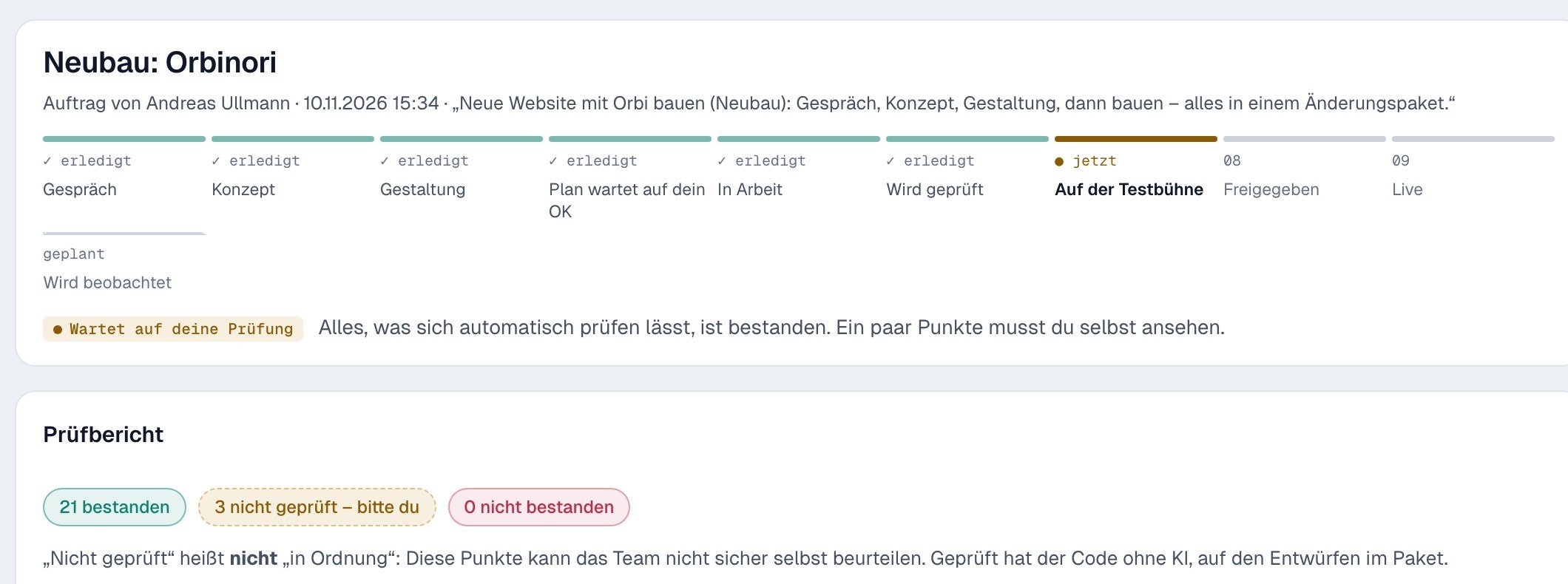
Check
The test bench – automatic checks for speed, accessibility and errors – measures load time, barriers and links. If there are serious problems, the work goes back instead of going online.
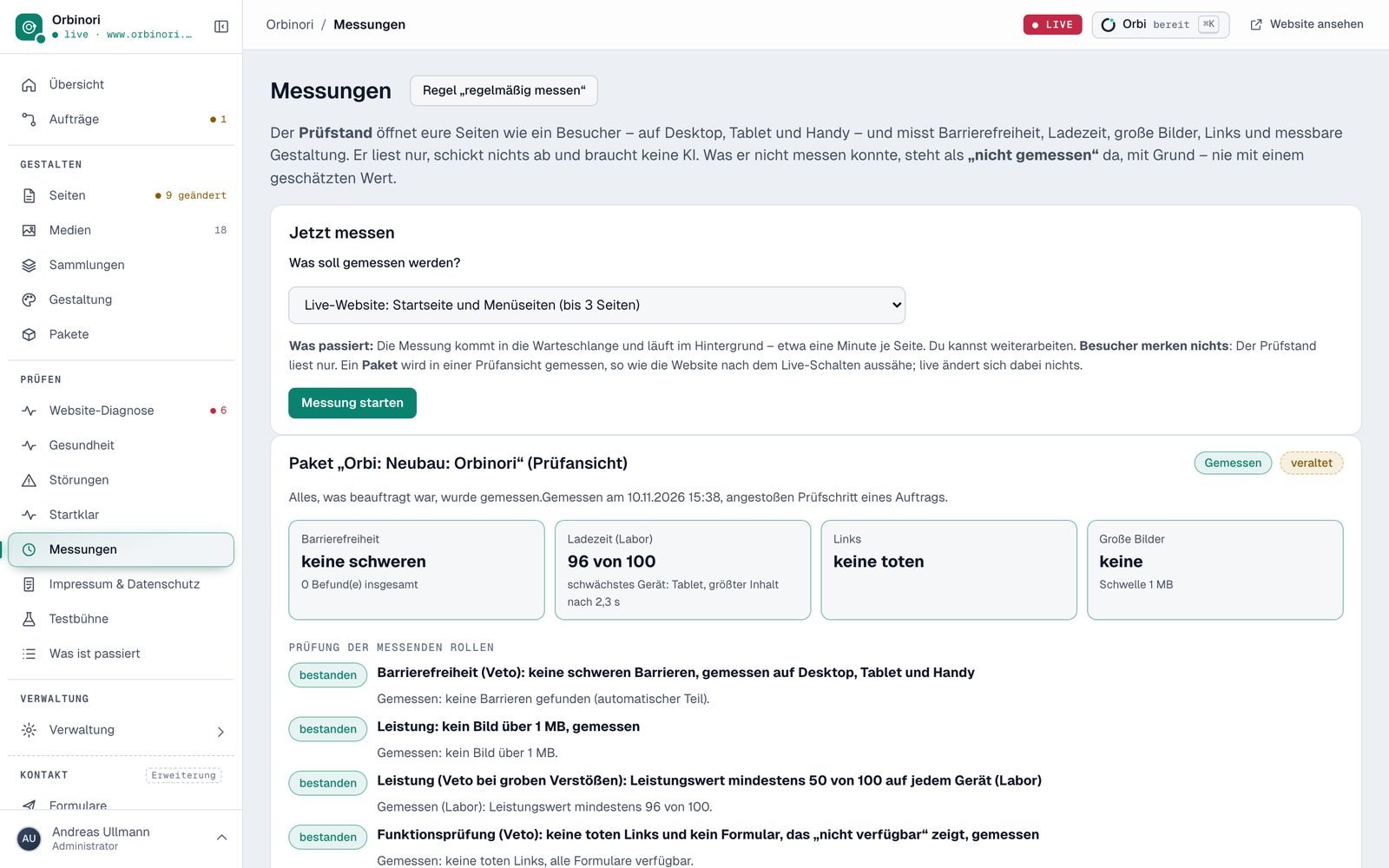
Review and approve
You see everything on the test stage first, then it goes live.
Everything you need for your website, in one place
Orbi & his specialist team
Orbi plans and hands the work to specialist roles for writing, design, technology and more. You only ever talk to him.
Editing pages in the Studio
Click into the text and start typing, or tell Orbi what should change.
Test bench & health report
The test bench measures your pages and shows you where something needs doing.
Images & media library
The media library organises your images and keeps them small enough for fast pages.
Legal pages assistant
Your legal notice (Impressum) and privacy policy are created from your details.
Works without AI, too
Your website stays online even if Orbi is switched off or your Orbi credit is used up.
- Forms and registrations keep working.
- You can edit everything yourself.
- The measurements keep running.
Only Orbi’s suggestions pause until the start of the next month or until you top up. Nothing is quietly added to your bill.
Secure sign-in, clear limits for Orbi
Second factor
Anyone who manages the website signs in with a second factor – an extra confirmation on top of the password.
Your own login
Everyone has their own login with the right permissions.
Orbi only writes drafts
Orbi never sees passwords or access keys.
What happened
The ‘What happened’ log shows who changed what, and when.
What doesn’t work yet
To be frank: these things are planned but not finished yet:
- checking with keyboard and screen reader
- checking from the outside whether your website can be reached from the internet
- the connection to Google Search Console
- exporting your whole website at the click of a button
In the Studio, things like this are clearly marked as ‘planned’. More on this: What’s ready today and what’s planned.
See how the team works.
In the free intro call we’ll show you Orbinori live.